
Running the server with Docker
The Quickstart starts the server with one docker run and plain HTTP. This page covers what you add for a server that stays: HTTPS in front, an unlock key that you keep yourself and a restart policy. Docker is the main way to run the server. For the other ways see Binary and Helm.
The image
Section titled “The image”ghcr.io/lodestore/lodestore holds the server, the web interface and the agent binaries that install.sh hands to new hosts. It is built for linux/amd64 and linux/arm64. A release 0.1.0 is published as :0.1.0; stable releases also move :0.1 and :latest. Pin the full version.
The image runs as user 65532 with no shell, keeps its state in /var/lib/lodestore and listens on two ports:
| Port | Used by |
|---|---|
| 8080 | The web interface and the REST API |
| 8443 | Agents, over gRPC with mutual TLS |
Run it
Section titled “Run it”Create the unlock key first. The server uses it to seal the repository secrets, the certificate authority key and the S3 credentials it keeps in its database.
sudo install -d -m 0755 /etc/lodestoreopenssl rand -hex 32 | sudo tee /etc/lodestore/unlock.key >/dev/nullsudo chown 65532:65532 /etc/lodestore/unlock.keysudo chmod 0400 /etc/lodestore/unlock.keyThen start the server. The two addresses must be the ones that people and agents use to reach it; see Networking.
docker run -d --name lodestore --restart unless-stopped \ -p 8080:8080 -p 8443:8443 \ -v lodestore-data:/var/lib/lodestore \ -v /etc/lodestore/unlock.key:/etc/lodestore/unlock.key:ro \ -e LODESTORE_UNLOCK_KEY_FILE=/etc/lodestore/unlock.key \ -e LODESTORE_PUBLIC_URL=https://lodestore.example.com \ -e LODESTORE_GRPC_PUBLIC_ADDRESS=lodestore.example.com:8443 \ ghcr.io/lodestore/lodestore:0.1.0On first start the server prints a one-time link that creates the administrator:
docker logs lodestore 2>&1 | grep 'setup?token='To skip the link, set LODESTORE_ADMIN_PASSWORD_FILE to a file that holds the password (at least 12 characters), and LODESTORE_ADMIN_USERNAME if you want a name other than admin. Mount the file the same way as the unlock key.
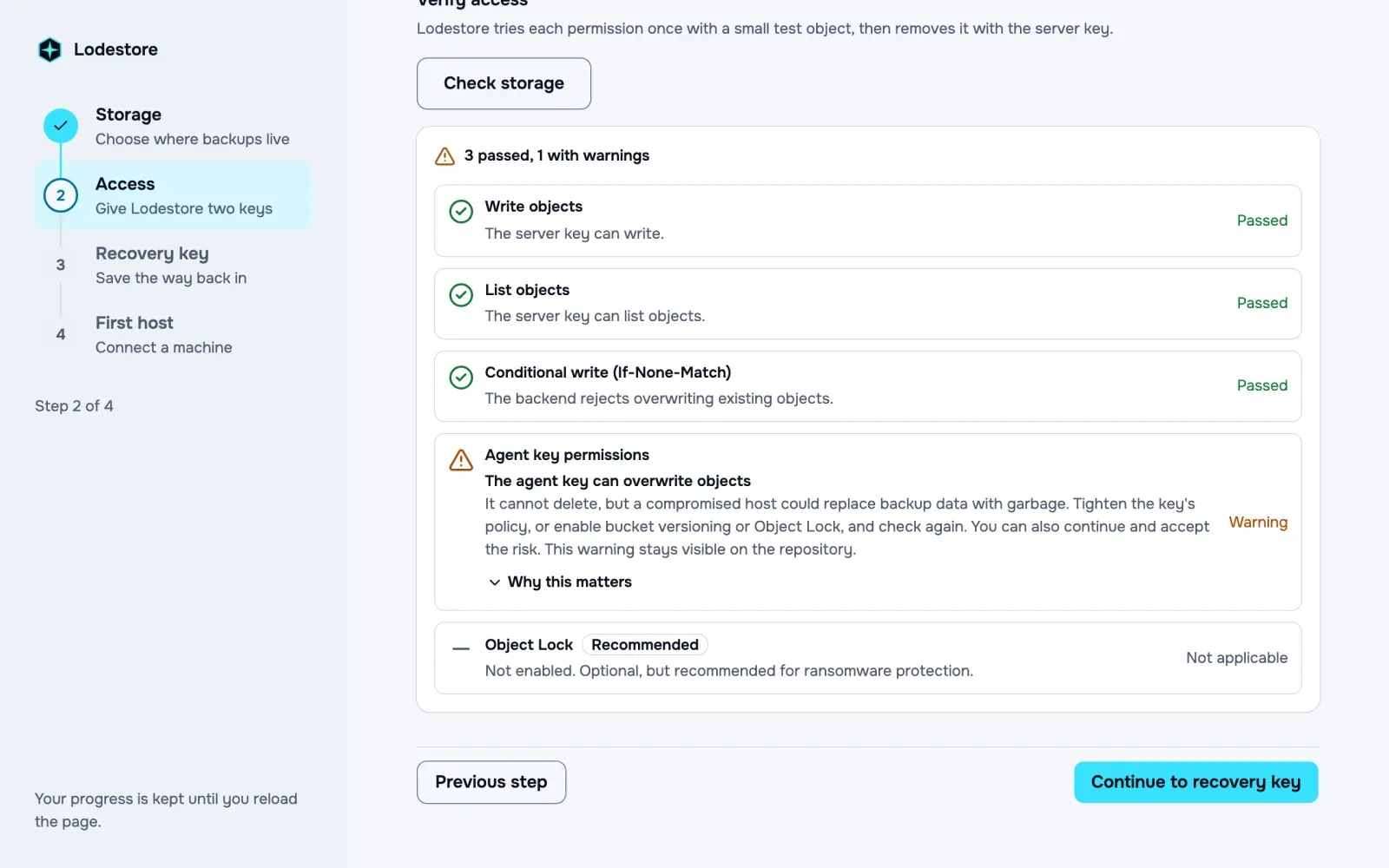
To upgrade, remove the container and run the same command with the new version. The state stays in the volume.
The unlock key
Section titled “The unlock key”Without LODESTORE_UNLOCK_KEY_FILE (or LODESTORE_UNLOCK_KEY) the server creates a key at unlock.key in its data directory and logs a warning. That works for a trial. A key that sits next to the database it protects is lost together with the volume, and a backup of the volume then holds both.
If the key is lost or replaced, the server cannot open its database. Keep a copy of it outside the server, in a password manager or a secret store. Your backed-up data does not depend on it: a repository still opens with its password or recovery key, and lode restore does not need the server at all.
The key is 32 random bytes, written in hex or base64.
Volumes
Section titled “Volumes”All state is in /var/lib/lodestore: the SQLite database and, if you did not move it, the unlock key. Use a named volume as above, or a host folder that belongs to user 65532:
sudo install -d -o 65532 -g 65532 -m 0700 /srv/lodestoredocker run ... -v /srv/lodestore:/var/lib/lodestore ...SQLite needs a local disk. Do not put the folder on NFS or SMB. To keep the catalog in PostgreSQL instead, put the connection URL in a file and set LODESTORE_DATABASE_URL_FILE, or set LODESTORE_DATABASE_URL. The file form keeps the password out of docker inspect.
Behind a reverse proxy
Section titled “Behind a reverse proxy”The server has no TLS on port 8080. Put a proxy in front of it that terminates TLS, and tell the server about it:
-e LODESTORE_PUBLIC_URL=https://lodestore.example.com \-e LODESTORE_TRUSTED_PROXIES=172.17.0.1/32LODESTORE_PUBLIC_URL is a bare origin without a path. It makes the session cookie Secure and is what the install command for new hosts points at. LODESTORE_TRUSTED_PROXIES (the trusted_proxies setting) is a comma separated list of the addresses of your proxies. Only for connections from them the server reads the client address from X-Forwarded-For, which the sign-in rate limit needs. Never list a network that untrusted clients can connect from.
Port 8443 is different: agents authenticate with client certificates, so a proxy must forward it as plain TCP or TLS passthrough and never terminate TLS. Networking has the details and examples.
Health
Section titled “Health”The image has a health check, lodestore-server healthcheck, that asks /healthz on port 8080. docker ps shows the result.