
Backup policies: schedule, retention, limits and alerts
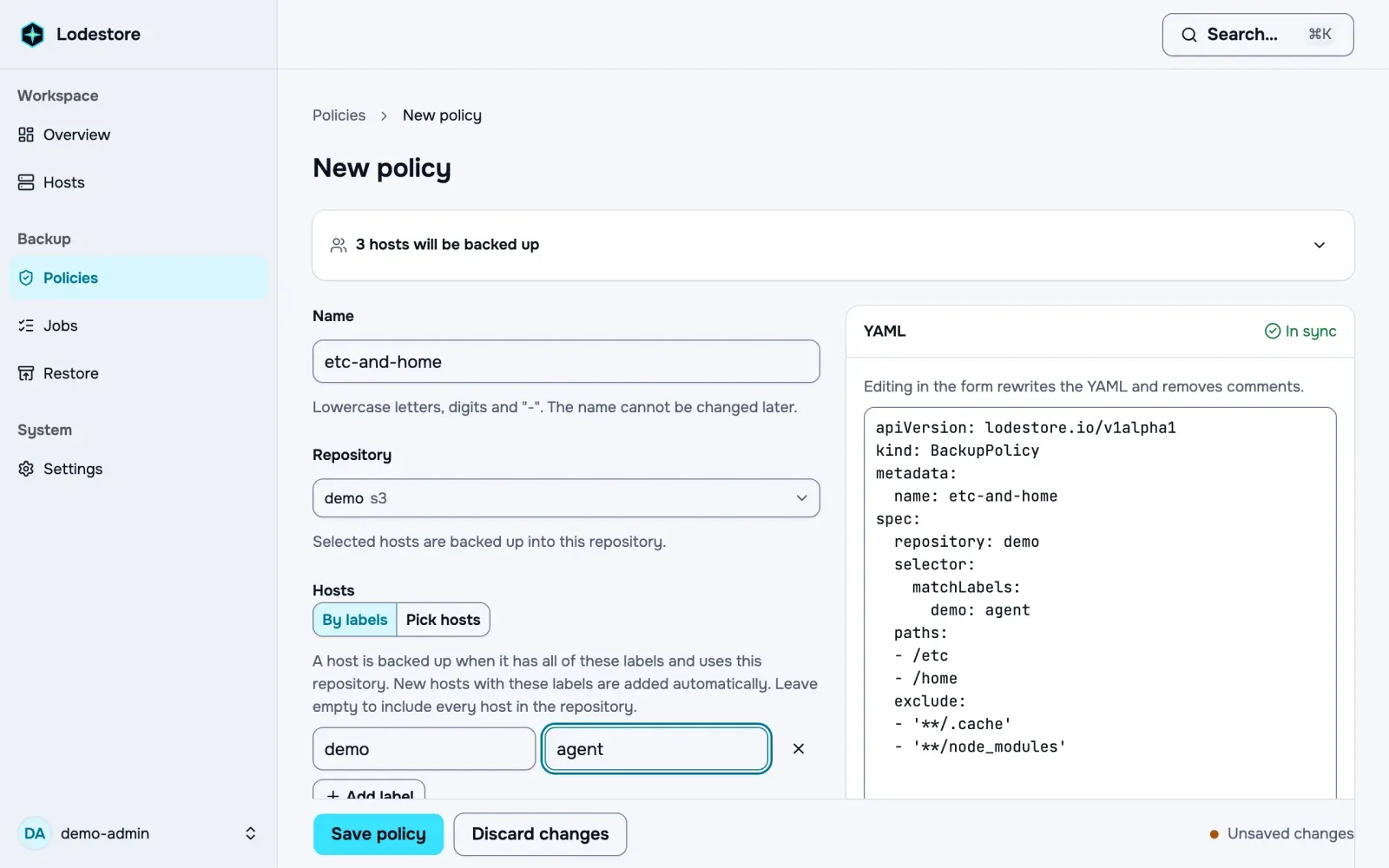
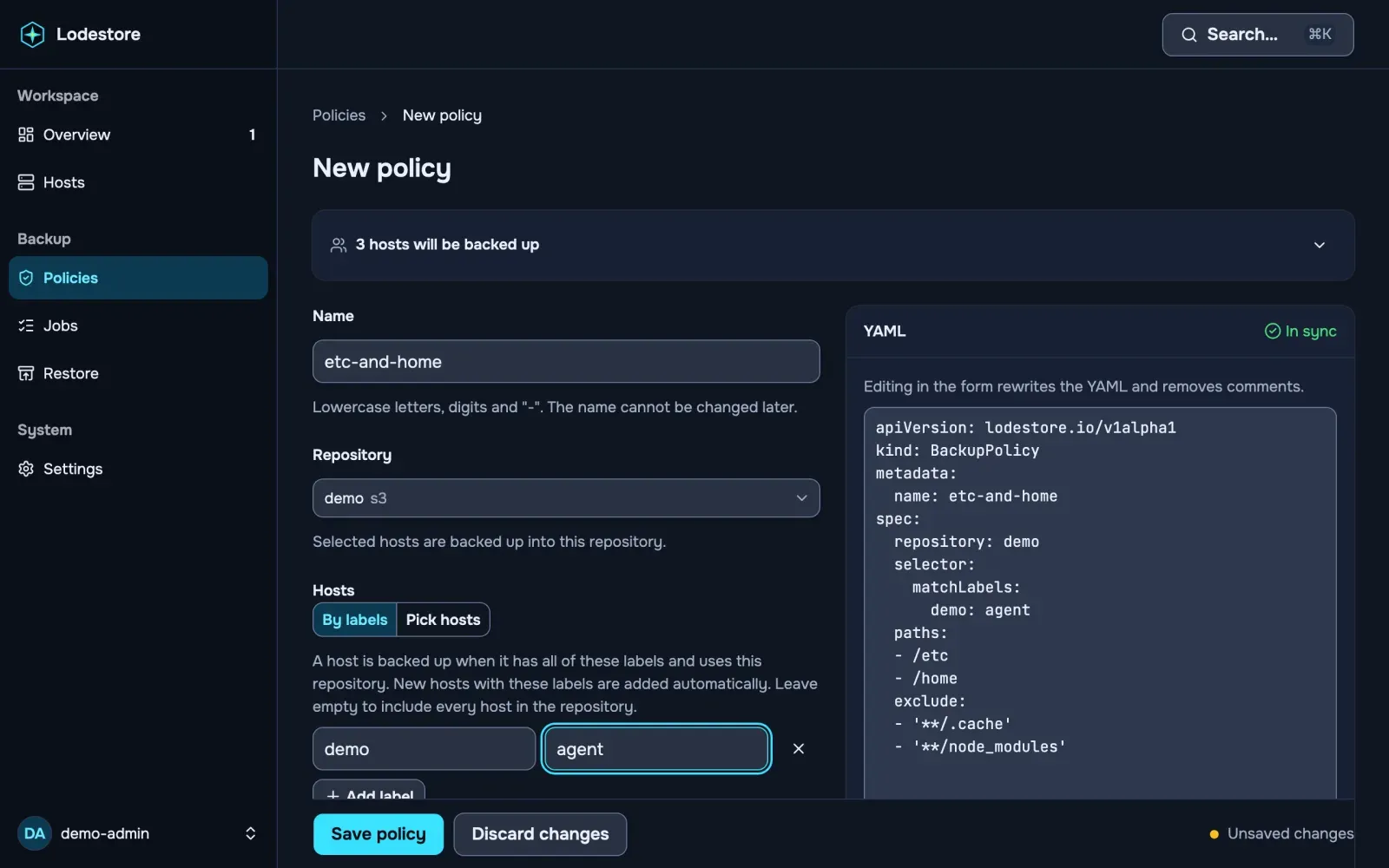
A BackupPolicy is one strict YAML document shared by the UI, lode apply and CI. This page covers the four blocks that make a policy run on its own and tell you when it does not: spec.schedule, spec.retention, spec.limits and spec.alerts. All four are optional. A policy without them runs only when started by hand, keeps every snapshot and uploads without limits. The apiVersion stays lodestore.io/v1alpha1.
apiVersion: lodestore.io/v1alpha1kind: BackupPolicymetadata: name: etc-and-homespec: repository: main paths: - /etc - /home schedule: cron: 30 2 * * * timezone: Europe/Kyiv jitter: 15m catchUpWindow: 24h retention: keepLast: 3 keepDaily: 7 keepWeekly: 4 keepMonthly: 6 limits: uploadRate: 50MiB/s nice: 10 ioniceClass: best-effort ioniceLevel: 4 maxRuntime: 12h alerts: maxAge: 36hUnknown fields are rejected with the line and column of the typo.
Durations and rates
Section titled “Durations and rates”A duration is a whole number and one unit: s, m, h, d (24 hours), w (7 days) or y (365 days). Fractions and signs are not accepted.
A rate is a whole number, a binary unit (B, KiB, MiB, GiB) and /s, for example 800KiB/s or 50MiB/s. The minimum is 1KiB/s.
schedule
Section titled “schedule”| Field | Meaning | Default |
|---|---|---|
cron |
Required. Five fields (minute hour day month weekday) or one of @hourly, @daily, @weekly, @monthly. Seconds and years are not accepted. |
|
timezone |
IANA name such as Europe/Kyiv. |
UTC |
jitter |
Each host starts up to this much later than the slot. The offset is stable per host and policy, so a fleet does not start at the same second. 0s to 24h. |
15m |
catchUpWindow |
A host that missed slots (offline, agent stopped) runs one backup when it returns, if the last missed slot is not older than this. 1m to 30d. |
24h |
Missed slots are never replayed one by one: after an outage the host runs a single catch-up backup, or nothing if the window has passed.
Daylight saving time
Section titled “Daylight saving time”The cron expression is evaluated on the wall clock of timezone. Every slot runs exactly once:
- A local time that does not exist (the clock jumps forward) runs once, at the first minute that exists after the gap. In
Europe/Kyivon 2026-03-29,30 3 * * *runs at 04:00. InAustralia/Lord_Howe, where the shift is 30 minutes,15 2 * * *runs at 02:30 on 2026-10-04. - A local time that happens twice (the clock goes back) runs only the first time. In
Europe/Kyivon 2026-10-25,30 3 * * *runs at the first 03:30 only. This holds for wildcard schedules too:@hourlyinAmerica/New_Yorkon 2026-11-01 runs at 00:00 EDT, 01:00 EDT and 02:00 EST, and skips the second 01:00.
Schedules that are not a single fixed time of day, such as */30 * * * * or 0,30 3 * * *, skip local times that do not exist and rely on the next slot that does. The UI shows a note on days where a slot is skipped or repeated.
retention
Section titled “retention”Retention follows restic forget. It runs per host, on the snapshots of this policy only, after each successful backup. Snapshots made by lode or by other policies are never touched.
| Field | Keeps |
|---|---|
keepLast |
The N newest snapshots. |
keepWithin |
Every snapshot received no earlier than the newest snapshot minus this duration (at least 1m). The window is counted from the newest snapshot, not from the current time, so a host that stopped backing up does not lose its history. |
keepDaily |
The newest snapshot of each of the last N days that have snapshots. |
keepWeekly |
The newest snapshot of each of the last N ISO weeks (Monday first) that have snapshots. |
keepMonthly |
The newest snapshot of each of the last N months that have snapshots. |
Counts are whole numbers of 1 or more. A snapshot is kept if any rule keeps it. With no rules at all, nothing is forgotten.
Details that matter:
- Days, weeks and months are counted in the schedule’s
timezone, or in UTC when the policy has no schedule. - The time of a snapshot is the time the server received it (the storage object’s modification time), not the time the backup started. This survives a catalog rebuild.
- Two snapshots with the same time are ordered by id.
- The two newest good snapshots of a host are always kept, whatever the rules say, so a bad rule or a run of failed backups cannot empty a host. A good snapshot is one that is neither suspicious nor incomplete. Incomplete snapshots take part in the rules like any other, but do not count towards these two.
- Suspicious snapshots (flagged by the anomaly detector or by an administrator) take no slot in any rule and are never forgotten. The good snapshots around them are counted as if they were not there.
- If a policy is deleted, its snapshots stay.
- Forgetting removes only the snapshot manifest. The data it referenced stays in the repository until garbage collection frees the space.
limits
Section titled “limits”| Field | Meaning |
|---|---|
uploadRate |
Caps the upload speed to storage, for example 20MiB/s or 500KiB/s. |
nice |
CPU priority of the backup, 0 to 19. Higher means lower priority. |
ioniceClass |
best-effort or idle. Leave it out for the system default. |
ioniceLevel |
0 (highest) to 7. Only valid with ioniceClass: best-effort. |
maxRuntime |
Time limit of one backup, from 1h to 7d. The default is 12h. |
A backup that does not finish within maxRuntime is stopped and does not create a snapshot. The server marks a backup that is still active an hour after its limit as failed with the error time_limit. The limit is also what lets garbage collection prove that no running backup still references data it is about to delete, so a lower value shortens the pause before deletion.
nice and the I/O priority apply to the backup on the host and are inherited by hooks. The I/O priority is best effort: the kernel honours it only with an I/O scheduler that supports priorities, such as BFQ (or CFQ on old kernels). With none or mq-deadline, common on NVMe disks, it has little or no effect. idle can make backups much slower on a busy disk.
alerts
Section titled “alerts”| Field | Meaning |
|---|---|
maxAge |
How old the last successful backup of this policy may get on a host before the alert No recent backup fires and the host shows as overdue. 1h to 365d. |
Lodestore always watches for a policy that goes silent, whether or not it reports an error. Without maxAge the limit comes from the schedule: twice the longest gap between the next scheduled runs, plus the schedule’s jitter. For a daily policy with the default 15m jitter that is about 48 hours and 15 minutes, so one missed night is tolerated and two are not. Set maxAge when that is too loose, for example maxAge: 36h for a daily policy you cannot miss, or too strict, for example maxAge: 10d for a weekly policy that is often skipped on purpose.
A policy with no schedule and no maxAge has no limit: it runs only by hand, so being old is not a fault. The limit is counted for each host the policy applies to. The age starts at the last successful backup, or, when the host has none yet, at the later of the time the host enrolled and the time the policy was created. See Alerts and notifications.