Introducing Lodestore 0.1
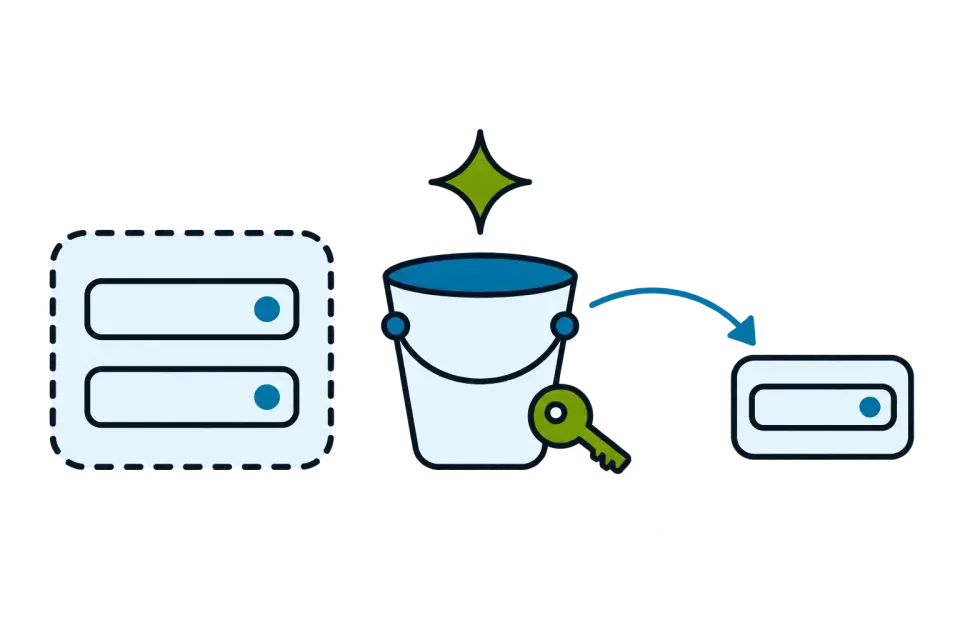

Lodestore is a backup system for fleets of Linux hosts. A small agent on each host writes deduplicated, encrypted data straight to your own S3-compatible storage. One server binary schedules the work, keeps the catalog and shows the whole fleet in a web interface. Version 0.1.0 is the first release.
Why another backup tool
Backing up one host is a solved problem. Backing up fifty is a different one. Someone has to see which hosts failed last night, change a schedule in one place, and find the file a colleague deleted without knowing which host it lived on. And all of it has to hold on the worst day, when the backup server itself is gone.
Lodestore is built around one promise: a restore needs only the bucket and a key, the repository password or the recovery key. Not the server, not the agent, not a database.
How it fits together
- The agent runs on each host. It registers with a one-time join token, receives its own client certificate, keeps an outbound connection to the server and needs no inbound ports.
- The server manages and catalogs. It schedules backups, keeps snapshot metadata, sends alerts and serves the web interface. Backups never pass through it.
- Your storage holds the data. The agent writes to it directly: AWS S3, MinIO, Ceph and other S3-compatible storage, or a local or network folder.
Data is deduplicated across the snapshots and hosts of a repository, compressed, then encrypted with XChaCha20-Poly1305 before it leaves the host. File names are not readable in the bucket either; a test searches every object, names included, for recognizable content. The server runs as a Docker image, a static binary or a Helm chart, with SQLite by default and PostgreSQL for production.
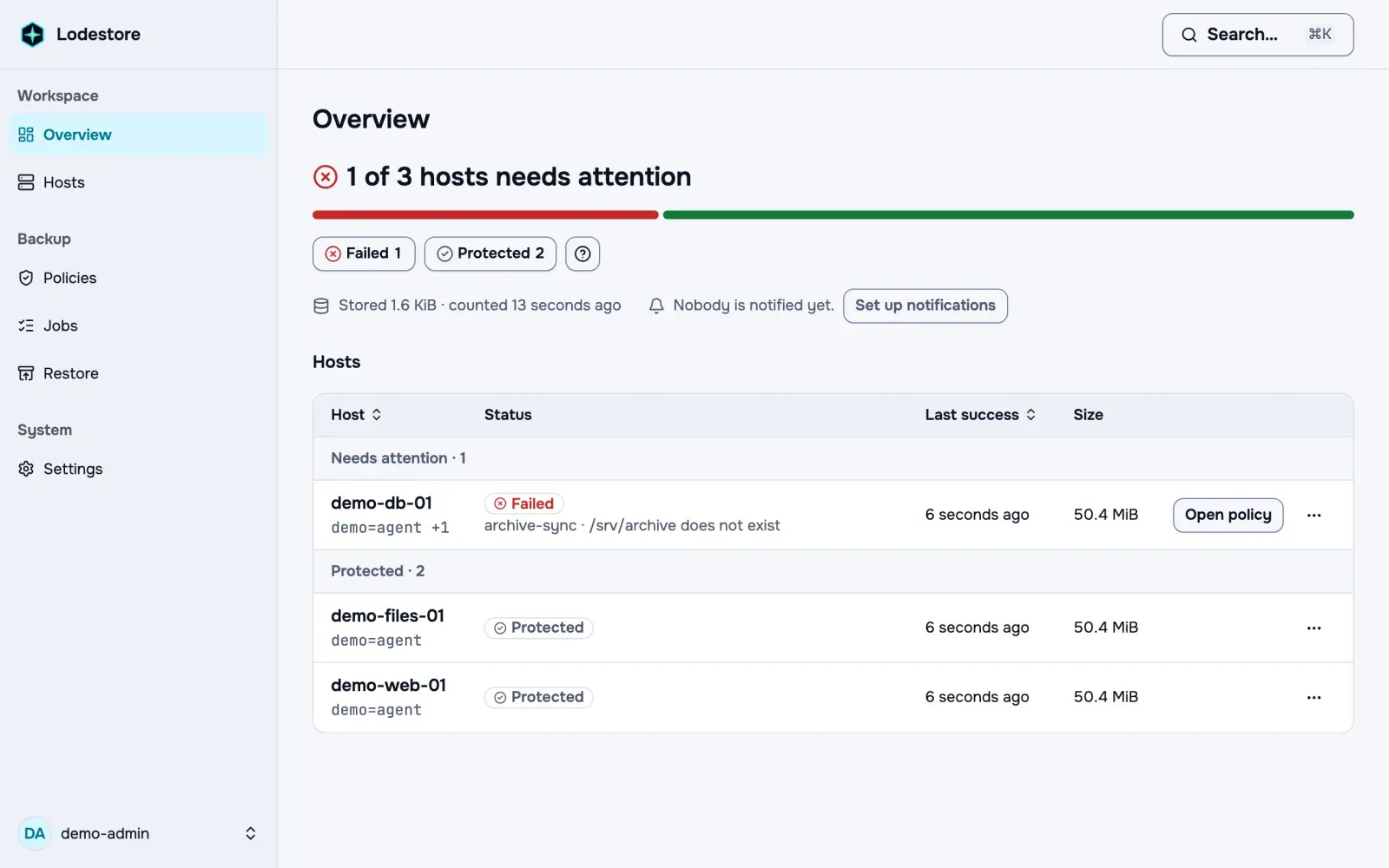
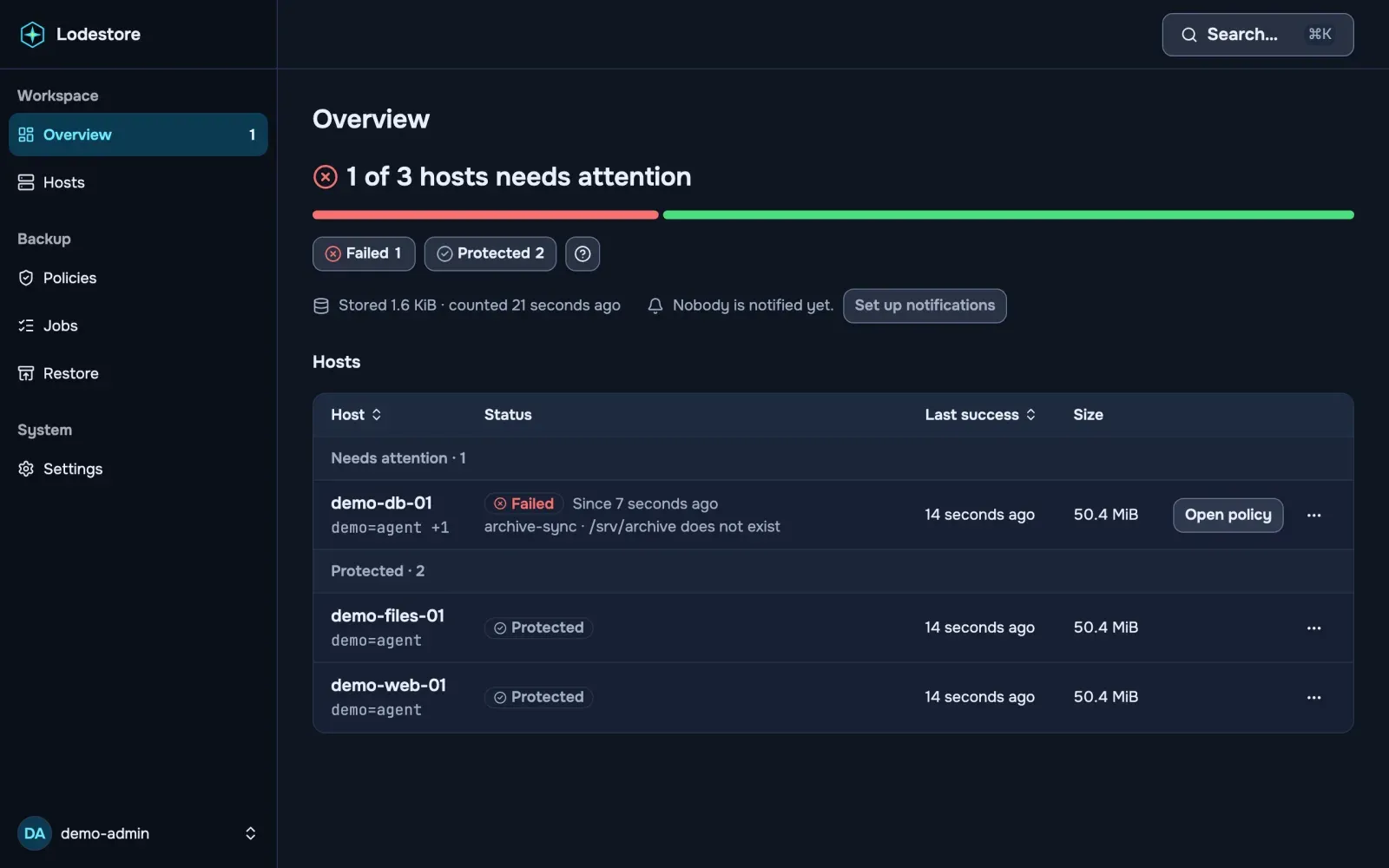
To protect a host, open Hosts, choose Add host and run the command it shows as root on the machine. The host appears as online within seconds. Then create a policy for the folders to back up, choose the host and run it; when the job succeeds, the snapshot is in your bucket.
Policies are YAML or a form: cron schedules in an IANA time zone with jitter and catch-up of missed runs, and retention by daily, weekly, monthly, last-N and within-period rules. lode apply -f applies them from CI, with --dry-run and --prune. See Policies and retention.
Restore without the server
The restore path is the part that has to work when everything else does not. All it needs is the lode command line, the bucket and a key. Put the password or the recovery key in a file only you can read, point lode at the repository, and restore:
export AWS_ACCESS_KEY_ID=your-read-access-keyexport AWS_SECRET_ACCESS_KEY=your-read-secret-keyexport AWS_REGION=eu-central-1export LODE_REPOSITORY="s3:https://s3.eu-central-1.amazonaws.com/my-bucket"export LODE_PASSWORD_FILE=./repository-key
lode snapshotslode restore latest --target ./restored
The key an agent holds cannot read data, so use the server’s key or any other key with read access to the bucket. A continuous integration job runs the same restore on a clean machine for every pull request. The full recipe, including smaller restores of one file or folder, is in Restore without the server.
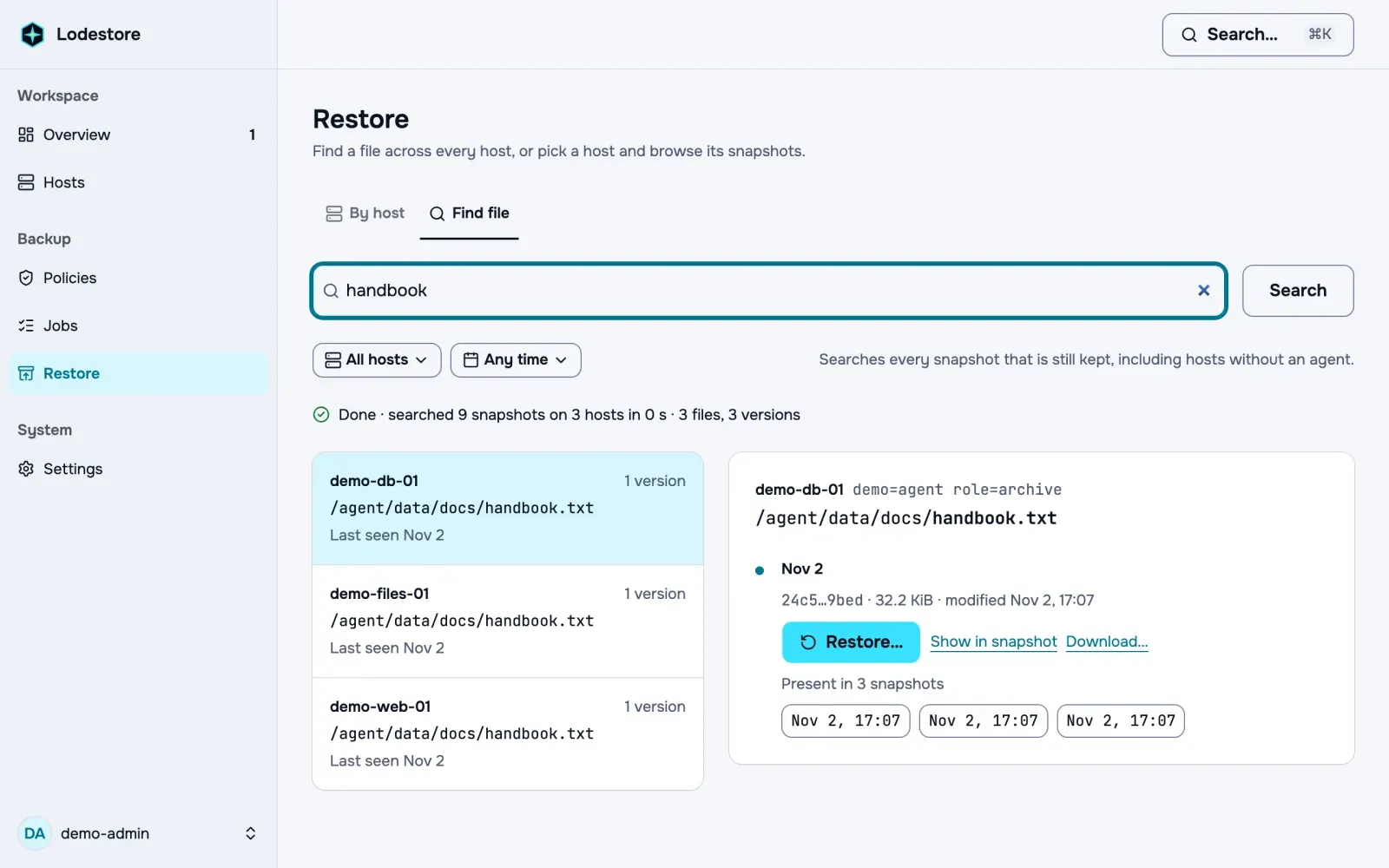
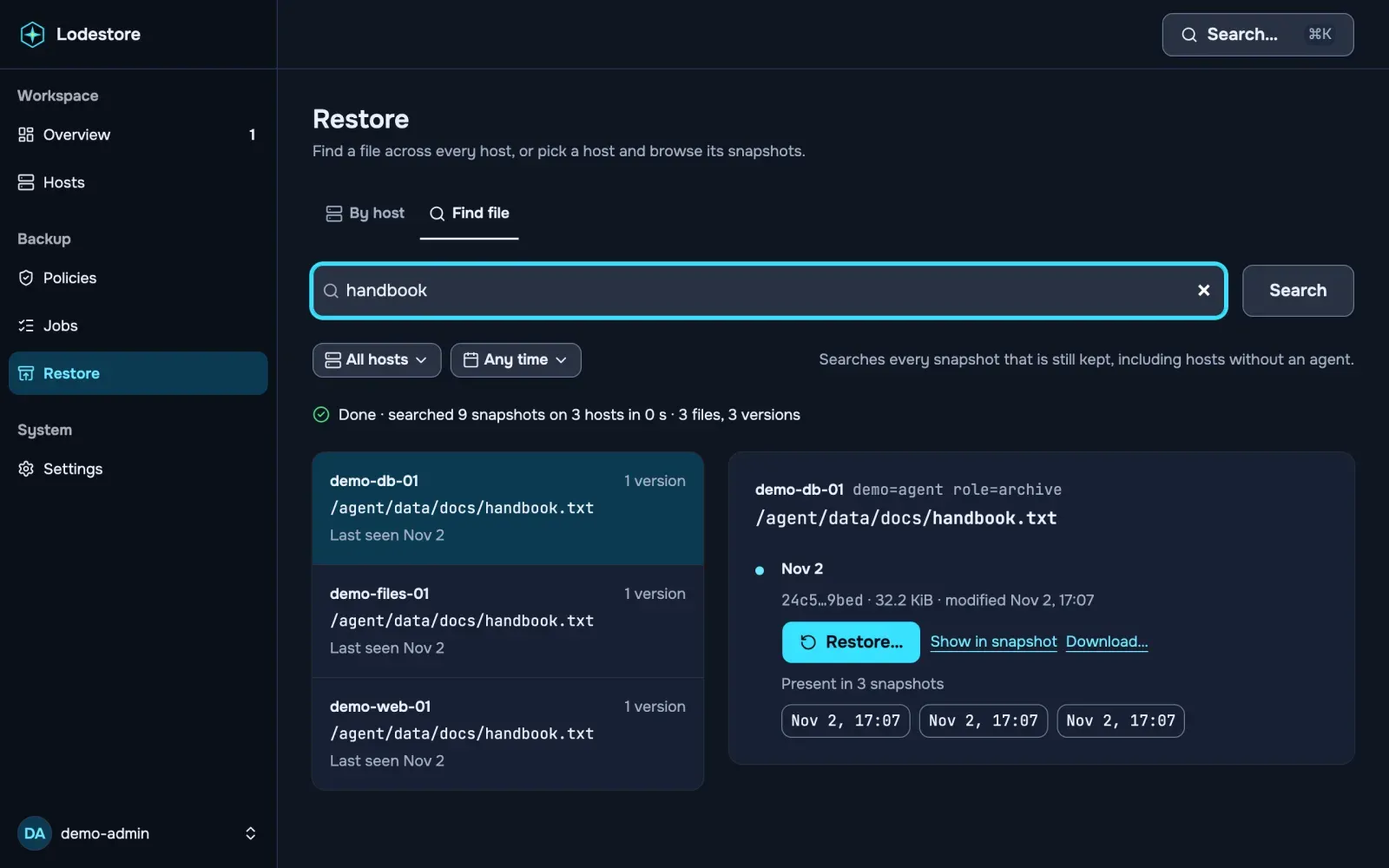
From the web interface you can restore in place, to another host, or as a downloadable archive, and search for a file across the snapshots of all hosts.
What a stolen host can and cannot do
On S3-compatible storage the key an agent holds has no delete rights. Deletion and cleanup run only on the server, and they work with S3 Object Lock and versioning. Cleanup is two-phase: mark, wait longer than the longest backup, check again, then delete, with a dry run always available.
Two limits are worth knowing before you rely on this. Overwrite is refused only where the storage enforces If-None-Match; MinIO does not, so use bucket versioning or Object Lock there. And with a local or network folder the agent can delete and overwrite, so prefer object storage for data that a compromised host must not destroy. The details are in the threat model, and the next post, An agent that can write but not read or delete, walks through the key model behind it.
What 0.1 covers, and what is next
Version 0.1 backs up files and directories on Linux, x86_64 and arm64. Databases are covered by dumping them in a pre-backup hook. Alerts go to Telegram, Slack, email and webhooks, and Prometheus metrics, alert rules and a Grafana dashboard ship with it. Planned, and not built yet: Proxmox and Kubernetes backups, and more storage backends.
We list what the automated checks cover, and what they do not, on How we test data safety.
Licenses
The agent, the repository format, the protocol and the lode command line are Apache-2.0. The server is AGPL-3.0-only. Apache-2.0 crates never depend on the server or on any other AGPL crate, and a script in the repository checks it.
Try it
One command starts the server and one connects a host; the first backup takes about ten minutes. Start with the quickstart, and find the source on GitHub.